> For the complete documentation index, see [llms.txt](https://help.nightfall.ai/llms.txt). Markdown versions of documentation pages are available by appending `.md` to page URLs; this page is available as [Markdown](https://help.nightfall.ai/nightfall_settings/role_based_access_control/system_administrator.md).
# System Administrator Role
Learn the various permissions available to the system administrator role in Nightfall.
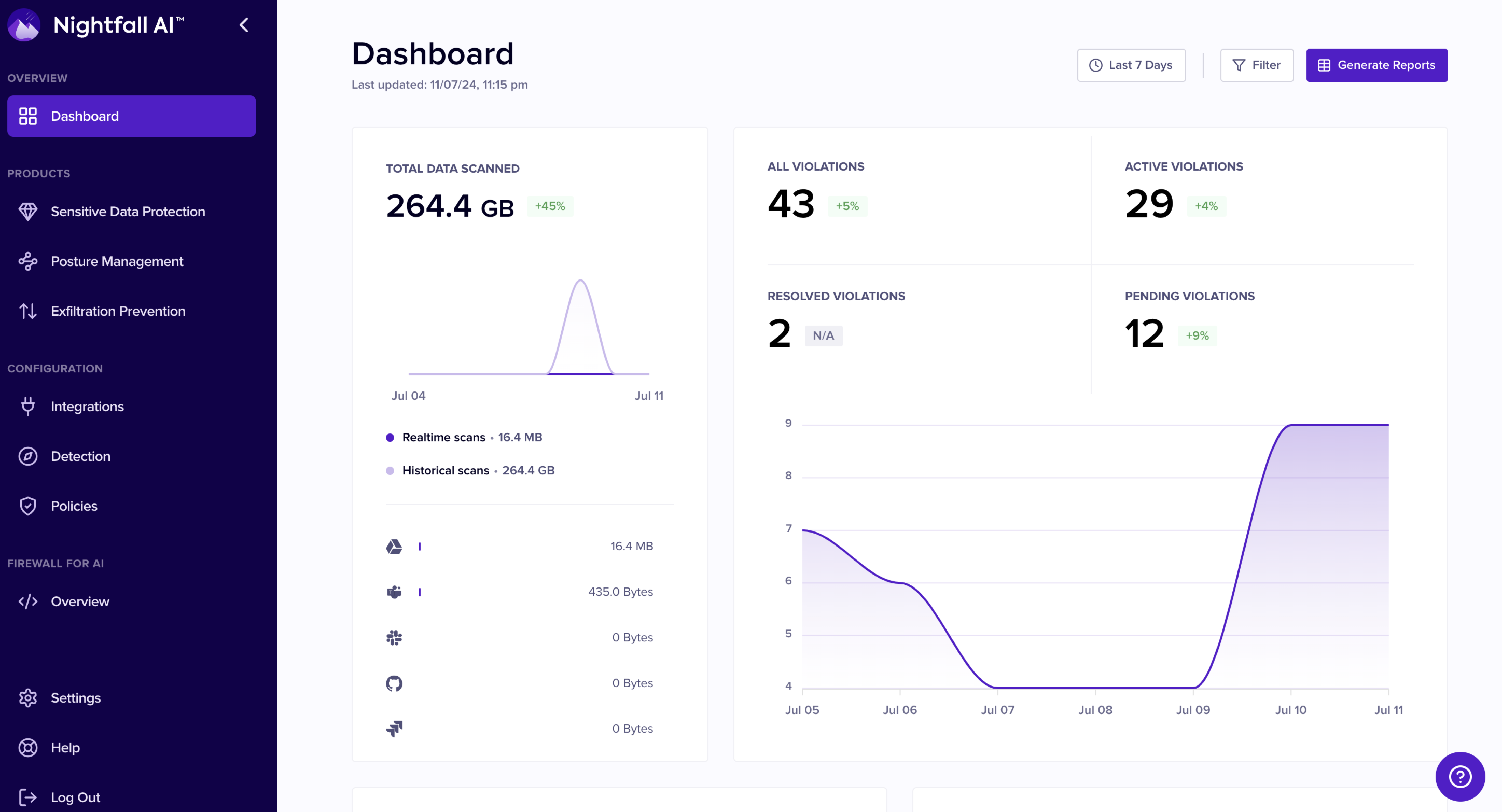
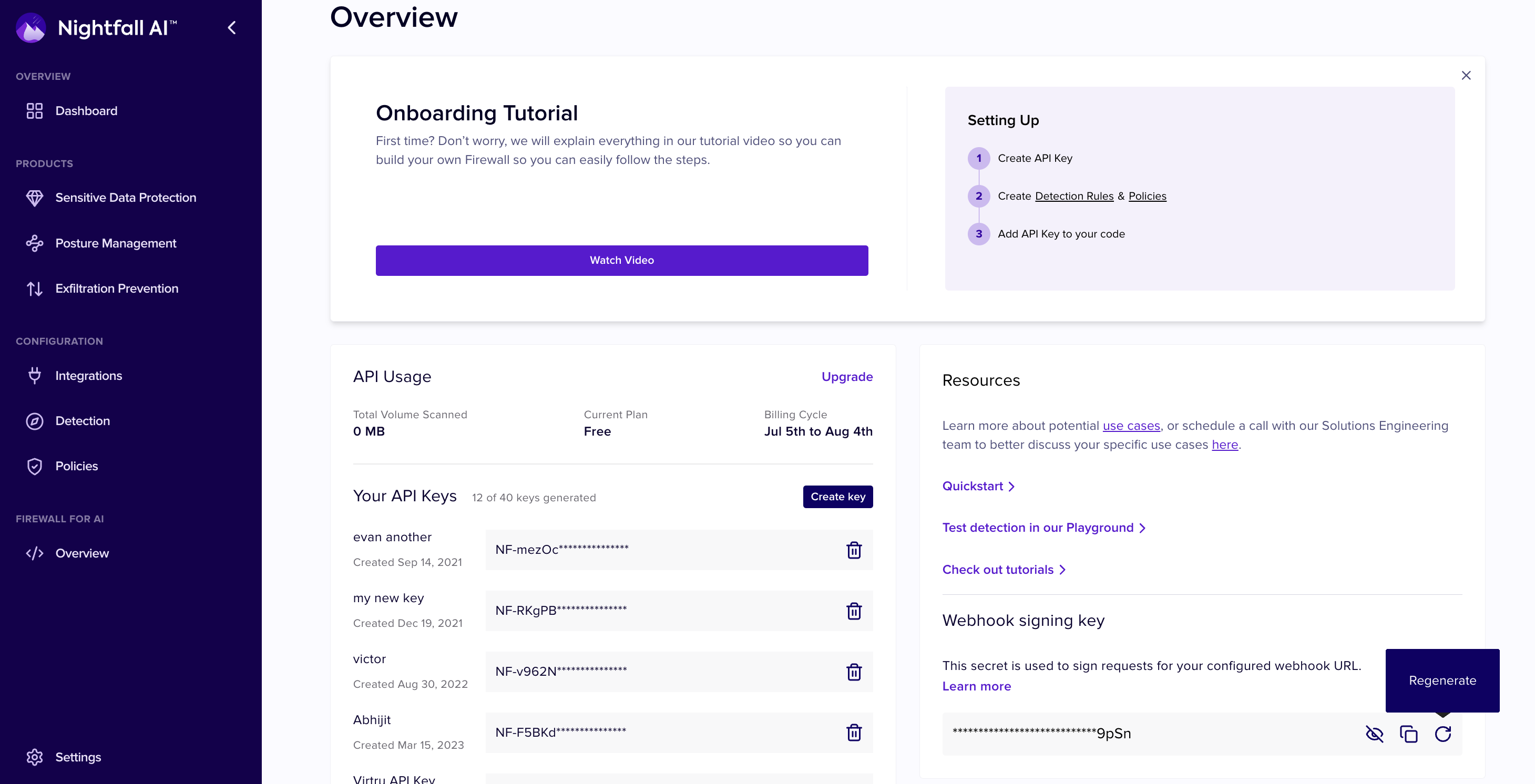
Users with the System administrator role have access to the whole Nightfall application. There is no restricted resource from the system administrator user. Users with System administrator roles can add or remove users from the Nightfall app and edit a user's current role. They can also manage Developer Platform API keys, because this role includes every Security Operations Manager permission. System administrators also have full access to the Nightfall settings configurations.
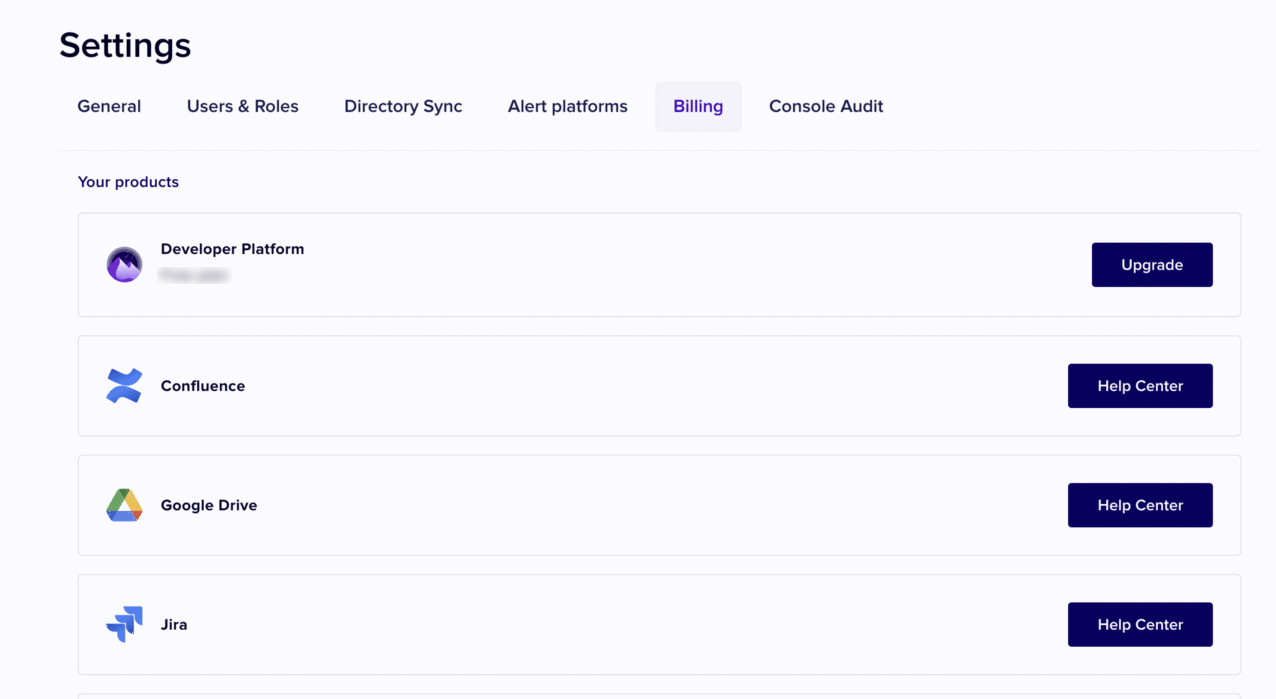
The Nightfall app view for a user with this role is as shown in the following image.
## Permissions Associated with System Administrator Role
A user with the System Administrator role can perform all the tasks as in case of a . Additionally, the following tasks can also be performed.
### User Management
With the User Management permission, users can add, edit or delete users from the Nightfall app. Admin users can also modify the roles of existing users.
### Alert Management
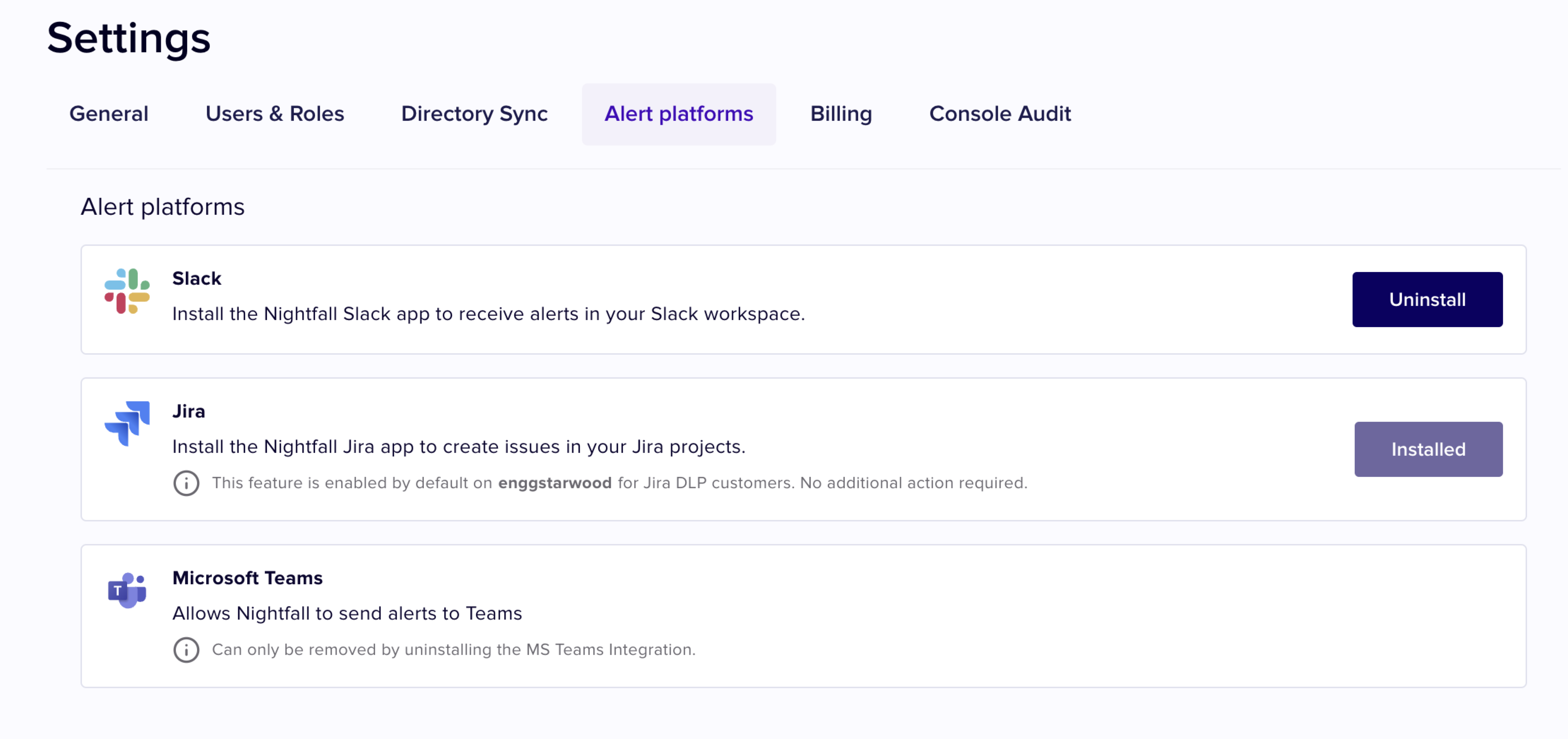
The **alert management** permission allows users to configure alert platforms. These alert platforms can be used as notification channels while configuring integrations or creating policies for an integration.
### Directory Sync
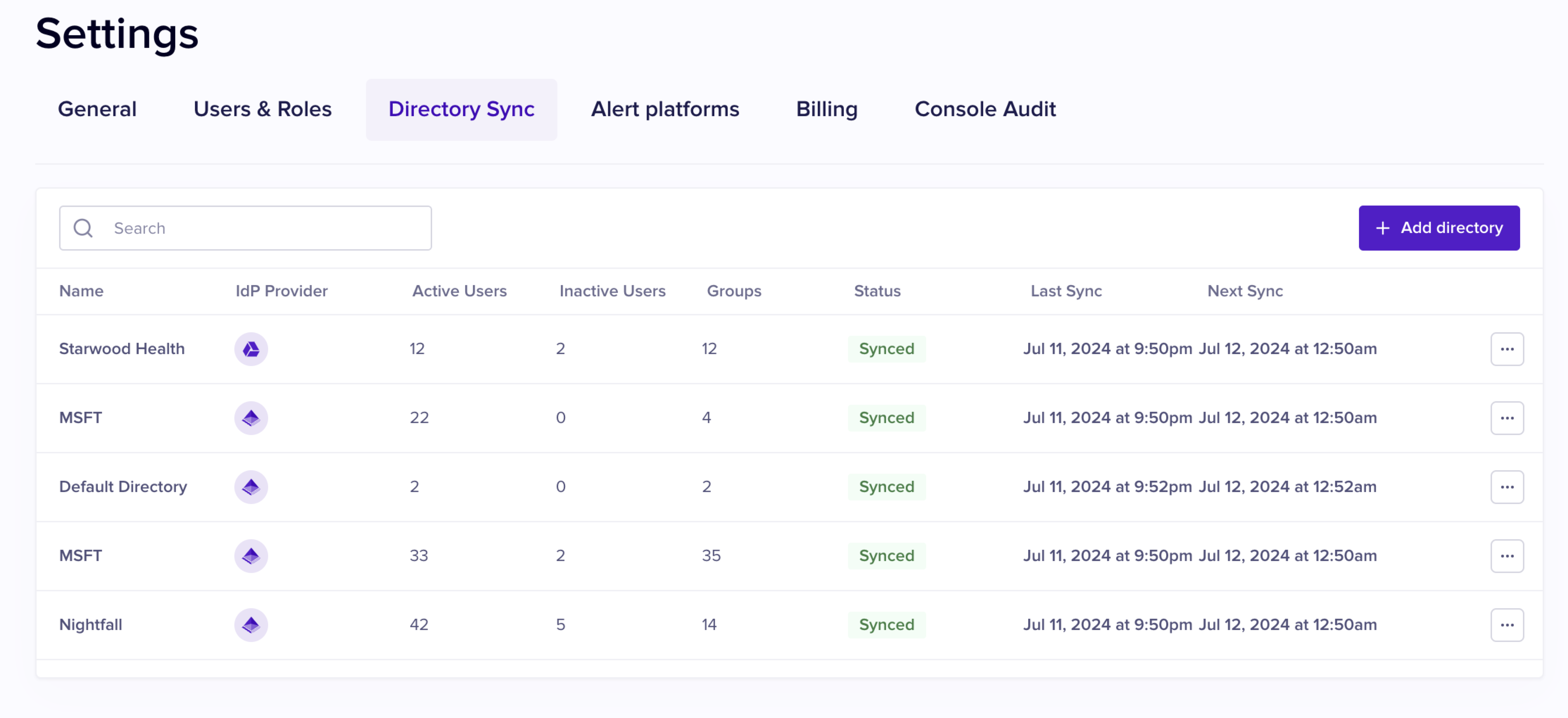
The Directory Sync permission allows users to configure directory sync services to configure policies related to Google Drive and Microsoft.
### Billing
The Billing page allows users to view their current plan and other details related to the current plan. Users can also view the integrations also view the Nightgall products being used by the organization.
As mentioned above, apart from the above permissions, administrator user has access to all the other sections of Nightfall app which are accessible to a user with the .